Midnight. Phone buzzes.
An urgent request:
"This PDF is 983MB. It needs to be smaller. Way smaller. I've given up, I can't even open the file."
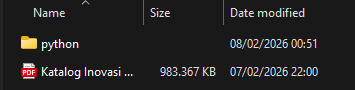
983 megabytes.
A document.
That needs to open on a phone.
Over mobile data.
Challenge accepted.
The Problem
The PDF was a product catalog, 329 pages thick. A mix of text, product photos, and detailed technical images. Nearly a gigabyte of pages with barely any meaningful compression.
Open it on a phone? Nearly impossible.
Send it over WhatsApp to distribute? Not a chance.
The Failed Attempts
First step was naturally to try the standard approaches.
Online PDF optimizers? Out of the question. Uploading a 983MB file to some random website is risky, and would most likely timeout halfway through anyway.
A few tools I tried:
Stirling PDF, my go-to self-hosted PDF toolkit. Tried it first. It kept erroring out. A file this massive choked the process every single time.
Ghostscript, the old reliable command-line workhorse. The file size dropped dramatically, but the quality collapsed with it. Text became blurry, photos turned to mush. For a product catalog where people need to read specs and see product details, this was unacceptable.
At this point one thing was clear: this wasn't about tweaking compression sliders.
The problem was in the document's structure. And the solution wasn't to shrink the PDF, but to tear it apart and rebuild it from scratch.
The Strategy: Don't Compress the PDF, Rebuild Its Contents
The usual approach would be converting PDF to images using pdf2image or Poppler. But this catalog wasn't big because of complex content. It was big because of:
- layers upon layers of embedded fonts
- complex vectors
- high-resolution assets stacked on top of each other
Converting directly would just transfer all that weight into equally heavy output images.
What I actually needed was the final rendered output. Exactly what you see on screen. Already flattened. No hidden layers. No excessive vectors.
And who already does all that heavy lifting?
The PDF viewer.
The PDF viewer already composites all those layers into a single raster view at screen resolution. I just needed to capture it.
So the strategy broke down into simple steps:
- Capture each page directly from the PDF viewer
- Crop to just the content area
- Optimize the images as aggressively as possible
- Export as lightweight assets for phone screens
I wrote a Python script:
mssfor super fast screenshotsOpenCVto select the crop area just oncekeyboardto auto-advance pages
The workflow was simple: select the area once, hit Enter, and the script loops through every page. Screenshot, crop, save, next page. Press Esc when done.
329 pages captured in minutes.
The raw output?
300.29 MB of PNGs.
Still too big. Time for the compression war.
Round 1: The Safe Approach
"Don't break anything."
Starting conservative. Focus on preserving quality.
The strategy:
- Try WebP lossy, WebP lossless, and optimized PNG
- Keep whichever format produces the smallest file per image
- No resizing
Key settings:
- WebP quality 88
- Original resolution
- Auto-pick best format per page
Result: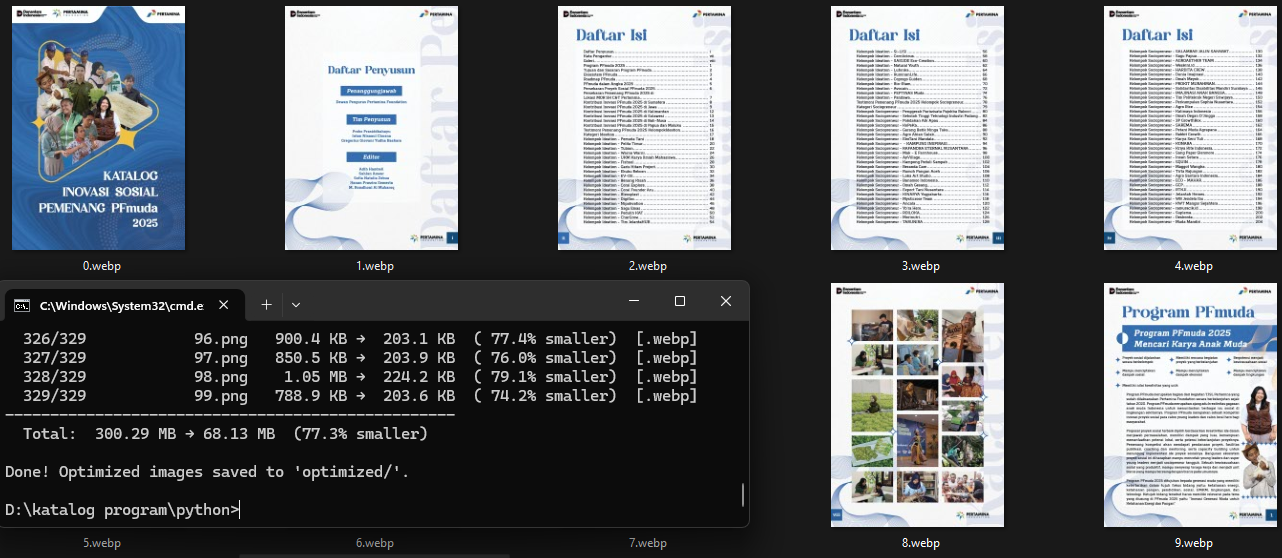
Total: 300.29 MB → 68.13 MB (77.3% smaller)
68MB. Decent. But still too heavy for phones.
And the process was slow, nearly 10 minutes because it was still single-threaded.
Round 2: Getting Aggressive
"Phones don't need 4K pages."
Time to get realistic. Add downscaling and parallelism.
- WebP quality 55
- Max 1440px on the long edge
- Light sharpen to keep text crisp
- 8 parallel threads
Result: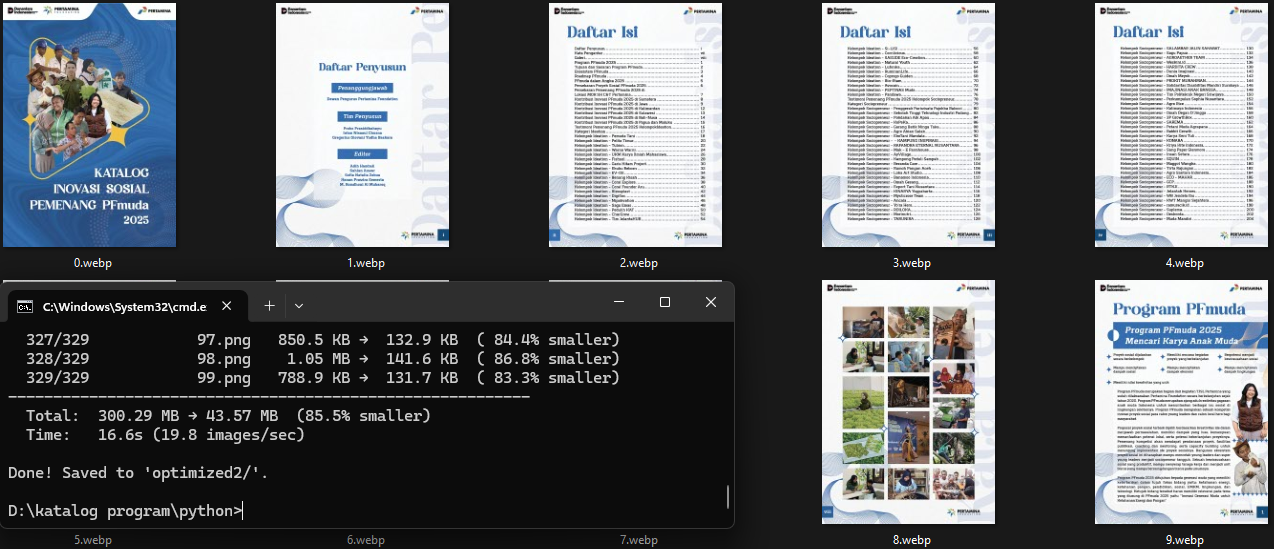
Total:  300.29 MB → 43.57 MB  (85.5% smaller)
Time:   16.6s (19.8 images/sec)
43MB. Much more reasonable. But it felt like there was still more to squeeze.
Round 3: Maximum Squeeze
"How low can we go?"
Time to pull out every trick.
- WebP quality 35
- Max 1080px
- Light Gaussian blur (radius 0.5) to smooth noise before compression
- Color quantization down to 256 colors
- 14 threads
Result: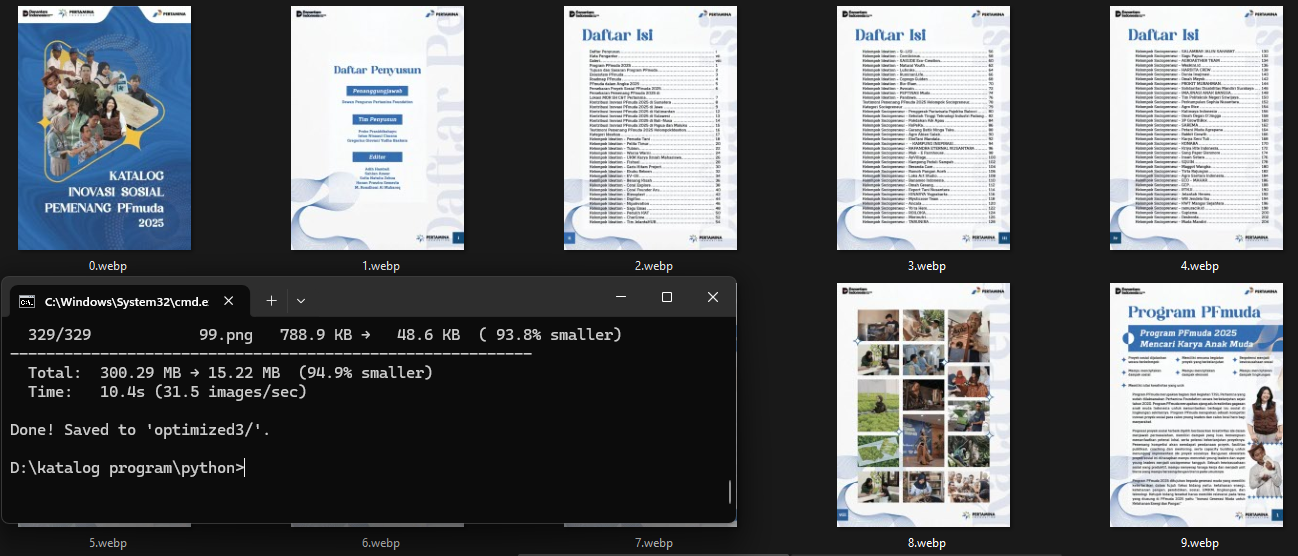
Total:  300.29 MB → 15.22 MB  (94.9% smaller)
Time:   10.4s (31.5 images/sec)
15MB. Incredibly small.
But there was a price. Colors washed out. Product photos lost their character. For a catalog, that's a problem.
Round 4: Full Color, Same Size
"Bring back the colors. Drop the quantization."
Turns out quantization did the most visual damage, but its contribution to file size was almost zero.
So the settings became:
- WebP quality 35
- Max 1080px
- Light Gaussian blur
- Full color, no quantization
Result: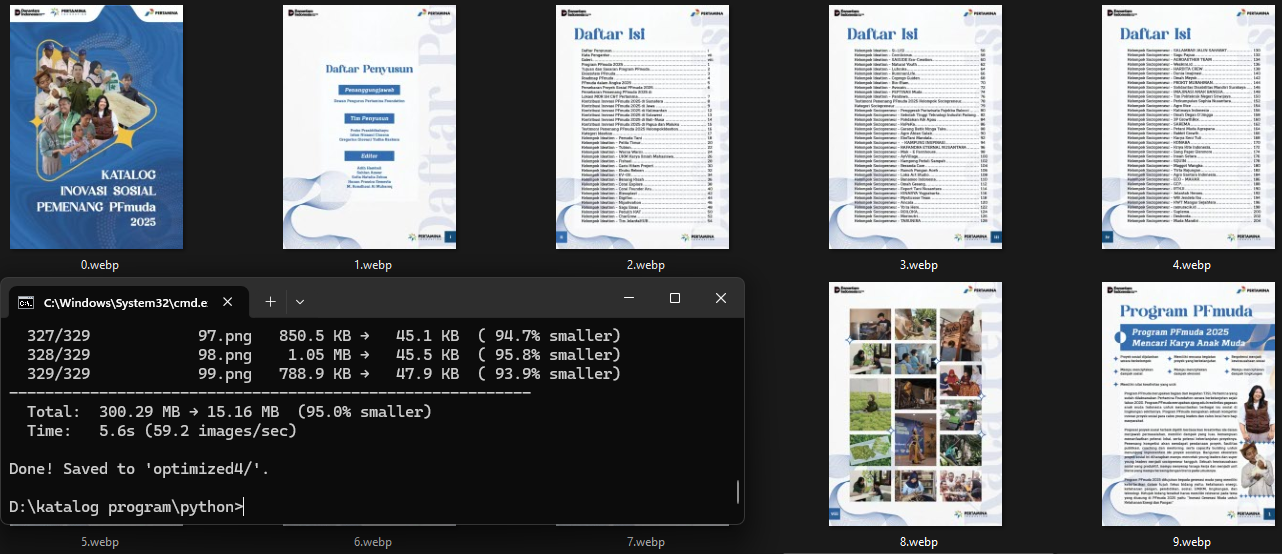
Total:  300.29 MB → 15.16 MB  (95.0% smaller)
Time:   5.6s (59.2 images/sec)
15.16MB.
Nearly the same size, but colors came back to life.
One problem remained: small text was still a bit blurry.
Round 5: The Sweet Spot
"Bump the text detail, just a little."
Final tweak.
- WebP quality 45
- Max 1080px
- Swapped Gaussian blur for UnsharpMask
- 14 threads
Final result: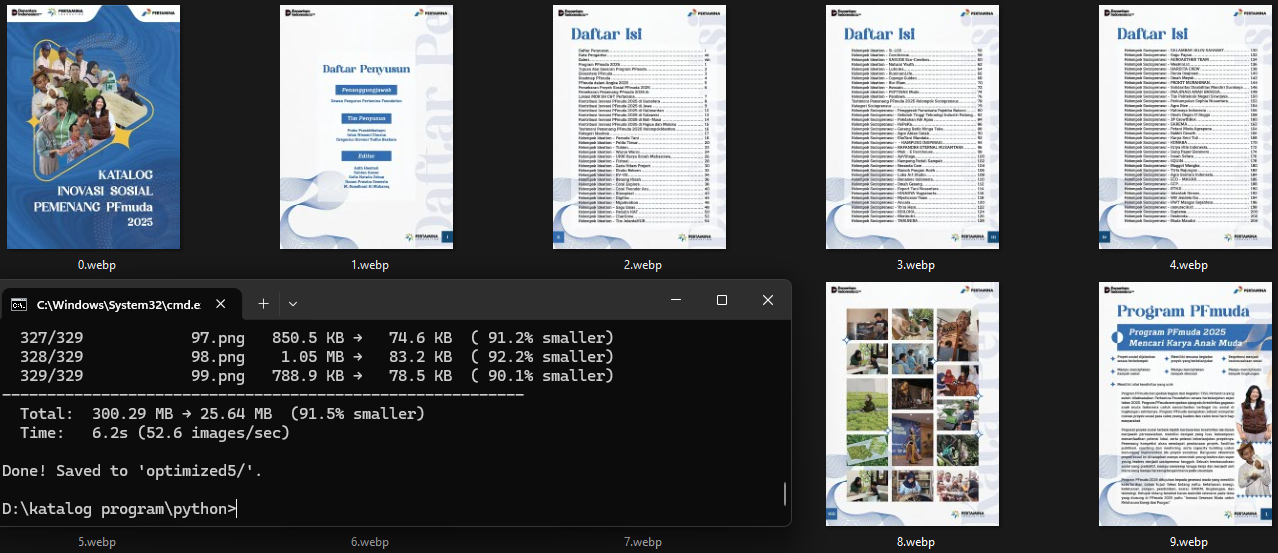
Total:  300.29 MB → 25.64 MB  (91.5% smaller)
Time:   6.2s (52.6 images/sec)
25.64MB.
Text is sharp. Photos stay natural. Comfortable to read on any phone.
One problem remained.
They needed a PDF, not a folder of images.
The Final Step: Back to PDF
"Images look great. Can you make it a PDF again?"
Yes.
The final script:
- Load all 329 optimized WebP images
- Bump brightness 15% because the output looked a bit dark on phone screens
- Natural numeric sort so page 2 doesn't end up after page 19
- Stitch into a single PDF
First run:
D:\katalog program\python>python images_to_pdf.py
Loading 329 image(s) from 'optimized5/'...
Done! Saved 'output.pdf' 47.74 MB, 329 page(s).
A small tweak to the brightness curve, run again:
D:\katalog program\python>python images_to_pdf.py
Loading 329 image(s) from 'optimized5/'...
Done! Saved 'output.pdf' 46.94 MB, 329 page(s).
46.94MB.
A proper PDF.
329 pages.
Full color.
Readable text.
Ready for phones.
The Final Score
| Stage | Size | Reduction |
|---|---|---|
| Original PDF | 983 MB | - |
| Raw captures (PNG) | 300.29 MB | 69.4% |
| Round 1, safe | 68.13 MB | 93.1% |
| Round 2, downscale | 43.57 MB | 95.6% |
| Round 3, maximum | 15.22 MB | 98.5% |
| Round 4, full color | 15.16 MB | 98.5% |
| Round 5, sweet spot | 25.64 MB | 97.4% |
| Final PDF | ~48 MB | 95.1% |
From 983MB to 48MB. Cut by 95.1%.
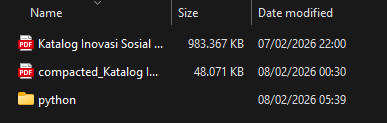
Side by side comparison. Original on the left, optimized on the right:
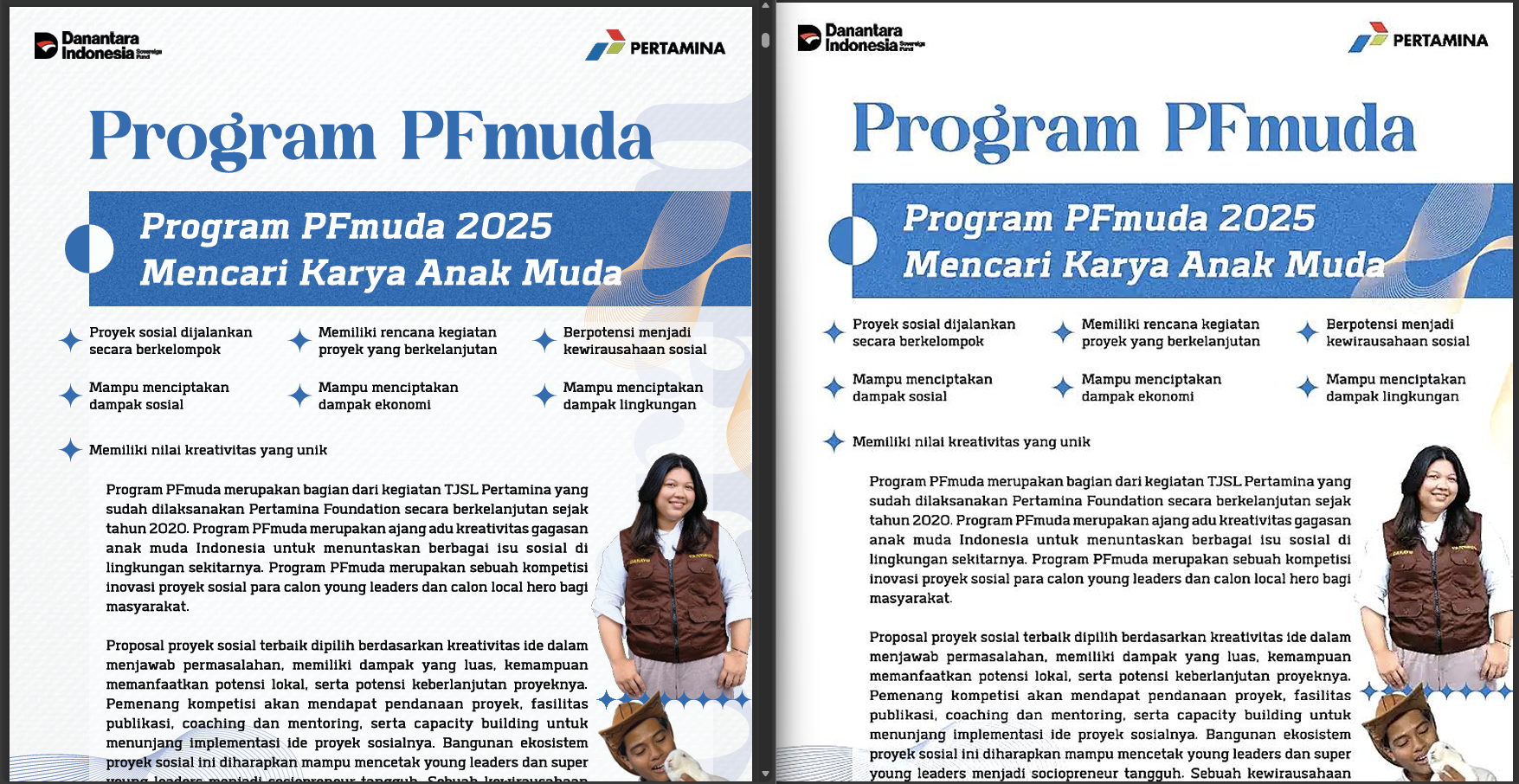
Can you spot the difference?
And remember, that's 95% smaller.
The PDF is slightly larger than the raw WebP folder because PDF has its own internal compression for embedded images. But 48MB for a 329-page catalog opens instantly on any phone, no hesitation.
The entire pipeline, from capture, 5 rounds of tuning, brightness correction, to PDF assembly, finishes in under 10 seconds across 14 threads.
What I Learned
- Don't fight the format. If the PDF is beyond saving, tear it apart and rebuild.
- WebP is a monster. Quality 45 still looks better than JPEG quality 80 at a fraction of the size.
- Downscaling wins the most. Dropping to 1080px has more impact than any quality slider.
- Color quantization is overrated. For photo content, barely saves space but visibly degrades quality.
- UnsharpMask is far smarter. Sharpens text without making photos look crunchy.
- Threading is free speed. Every image is independent. From minutes down to just seconds.
- Natural sort is mandatory.
page_2must come beforepage_10. Never trust alphabetical sort. - Brightness matters at the end. A small boost makes pages look clean on phone screens.
The Tools
All Python. Local. No cloud.
- mss for multi-monitor screenshots
- Pillow for crop, resize, sharpen, brightness, and PDF assembly
- OpenCV for interactive area selection
- keyboard for hotkeys and auto page flip
- ThreadPoolExecutor for parallelism
No paid APIs. No uploading anywhere. Just Python and a midnight deadline.
What's Next: Bringing it to the Browser
These Python scripts are powerful, but they're clearly not for everyone. The next step is to bring this pipeline to the browser.
The vision:
- A tool built on WebAssembly and PDF.js
- All processing local in the browser, files never leave your machine
- Drag and drop, no setup
- No Python, no terminal
- If your browser can run, any file can be shrunk
At 1 AM, the phone buzzed again:
"Got it. Way beyond my expectation! Thank you so much."
983MB to 48MB.
Six Python scripts.
One midnight.
Worth it.